Building a Private AI Server on Ubuntu 24.04 with Docker (Ooanji Vault)
Stop leaking data to the cloud. A strictly local, Docker-based AI platform.
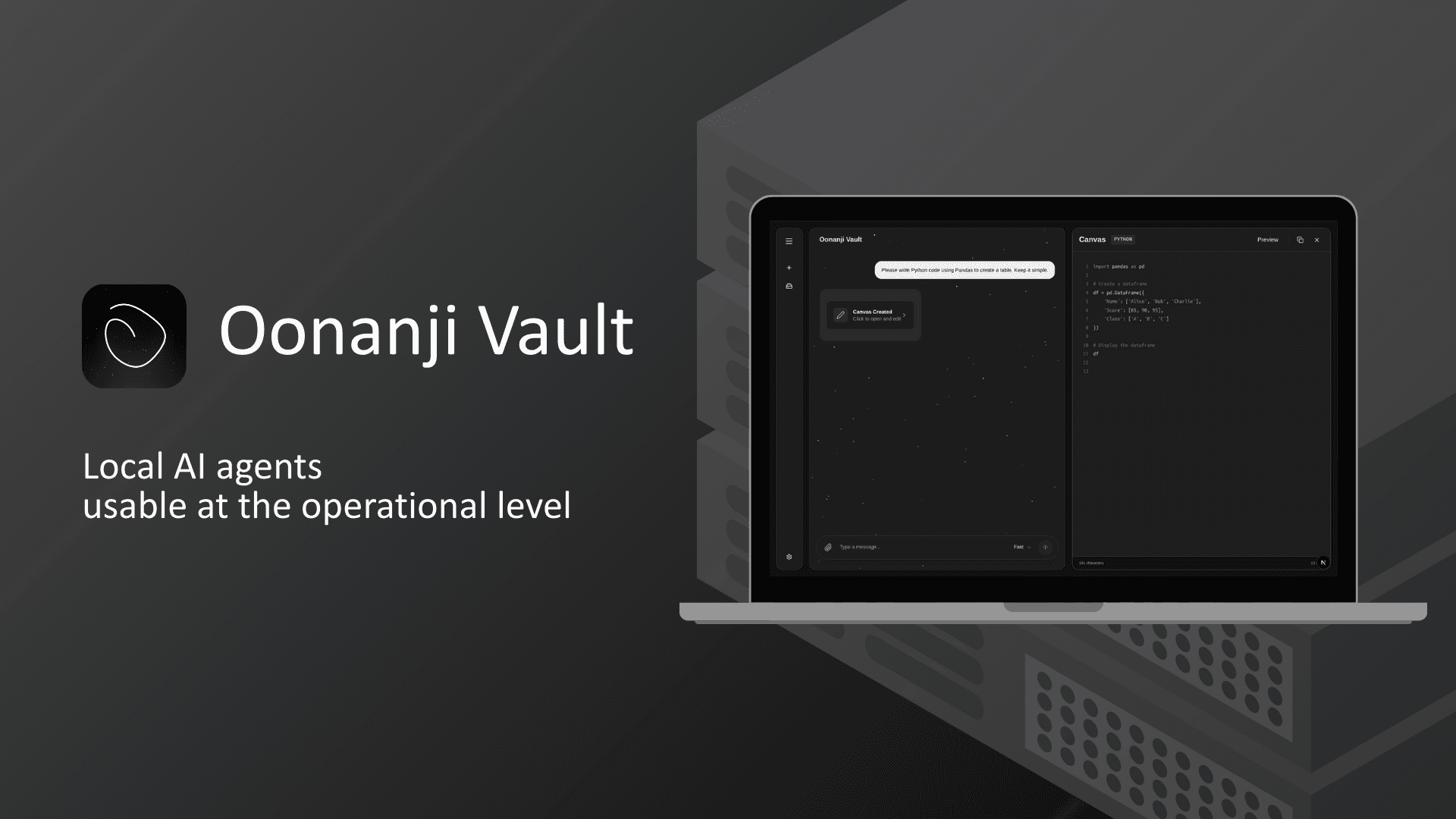
Hi everyone! 👋
I am building a project called Ooanji Vault. It is a self-hosted AI platform designed for strict data privacy.
Why I built this?
Most AI tools require sending your data to the cloud. For sensitive data, this is a risk. I wanted a system that runs 100% locally on my own hardware, without relying on external APIs.
The Stack 🛠️
I chose a simple, robust architecture:
OS: Ubuntu 24.04 Desktop (Recommended)
Core: Docker & Docker Compose
Interface: Web Browser (Access via
localhost)
Key Features
1. Zero Data Leakage 🛡️
Since it runs on your local network, no data leaves your premise. It's designed to be air-gapped friendly.
2. Clean Directory Structure 📂
I believe in keeping the environment organized. Ooanji Vault uses the /opt/oonanji-vault/ directory for everything:
/opt/oonanji-vault/system: Core logic & Docker files/opt/oonanji-vault/data: Persistent data/opt/oonanji-vault/config: Settings
This makes backups and management incredibly easy.
How to Try It (Alpha) 🚀
It's currently in active development. You can run it with standard Docker commands:
# 1. Clone the repo
git clone [https://github.com/YourName/ooanji-vault.git](https://github.com/YourName/ooanji-vault.git)

# 2. Go to directory
cd ooanji-vault/system

# 3. Start containers
docker compose up -d
Then, access the dashboard at http://localhost:80
License
• Personal Use: Free (BSL 1.1)
• Commercial Use: Subscription required
I'm looking for feedback on this architecture!
Check out the repository here: https://github.com/aoyama-eiya/oonanji-vault
#Linux #Docker #SelfHosted #Privacy #OpenSource #oonanji-vault #localaiagent